Task Scheduler
The task scheduler allows you to set the interval at which backend operations run in the task manager, such as updating counters, etc. At launch, we have one setting here, but will be adding more.
In order to change task intervals, you'll need to be logged in to your ACP.
Navigate to Settings › Task Scheduler.
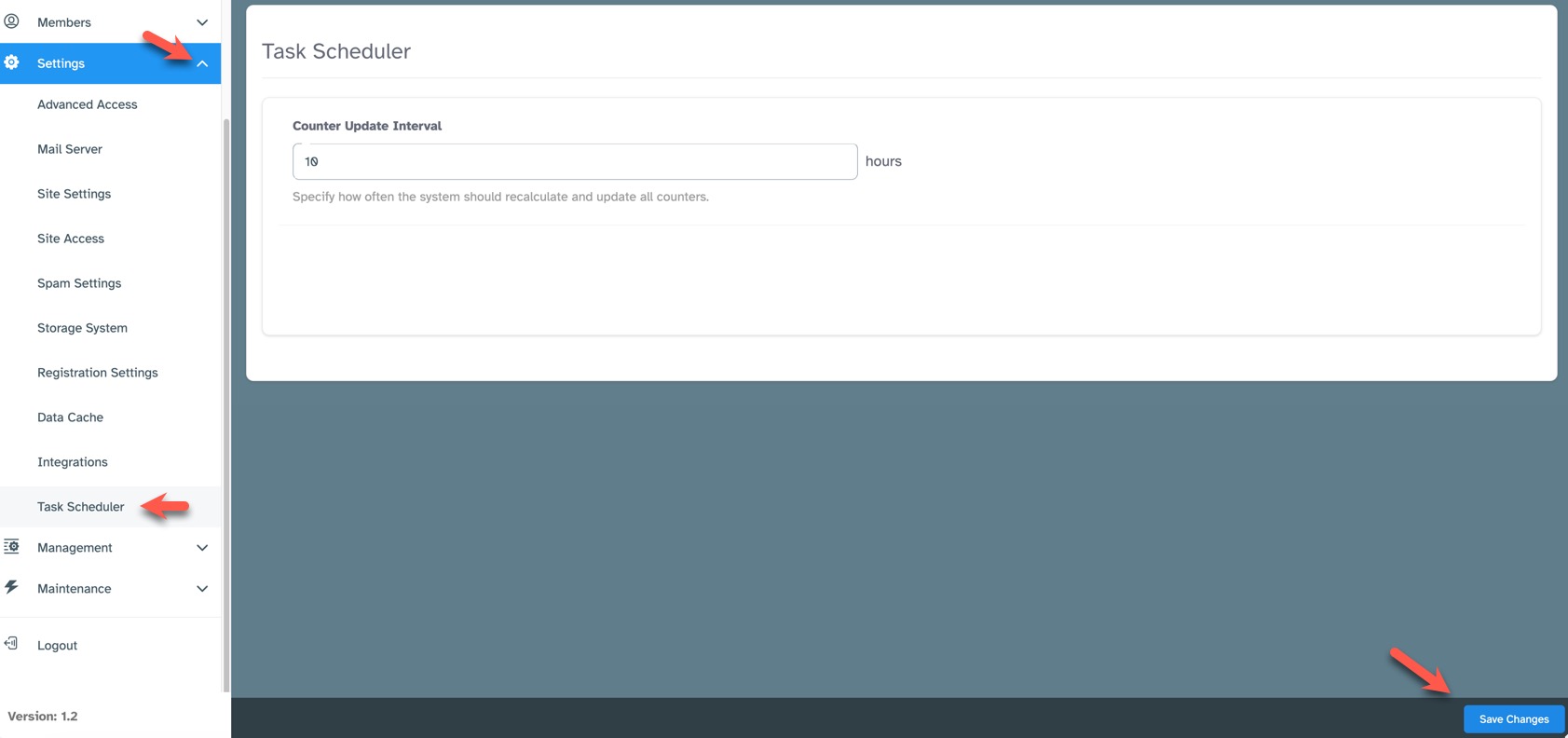
Counter Update Interval
Specify how often, in hours, the system should recalculate and update all counters. This is for things such as the counters on the top notification icons, "Like" counters, etc.
Need help?
If you need any help, drop us a line at our Konnexu Support Portal or ask a question at the Konnexu Community. We're always happy to assist.