Site Legal Settings
At the time of this writing, we have the Cookie Consent Banner setting in this section. We will be adding more settings as we further develop Konnexu.
In order to manage these settings, you'll need to be logged in to your ACP.
Navigate to Settings › Legal, and you'll see the setting for Cookie Consent Banner.
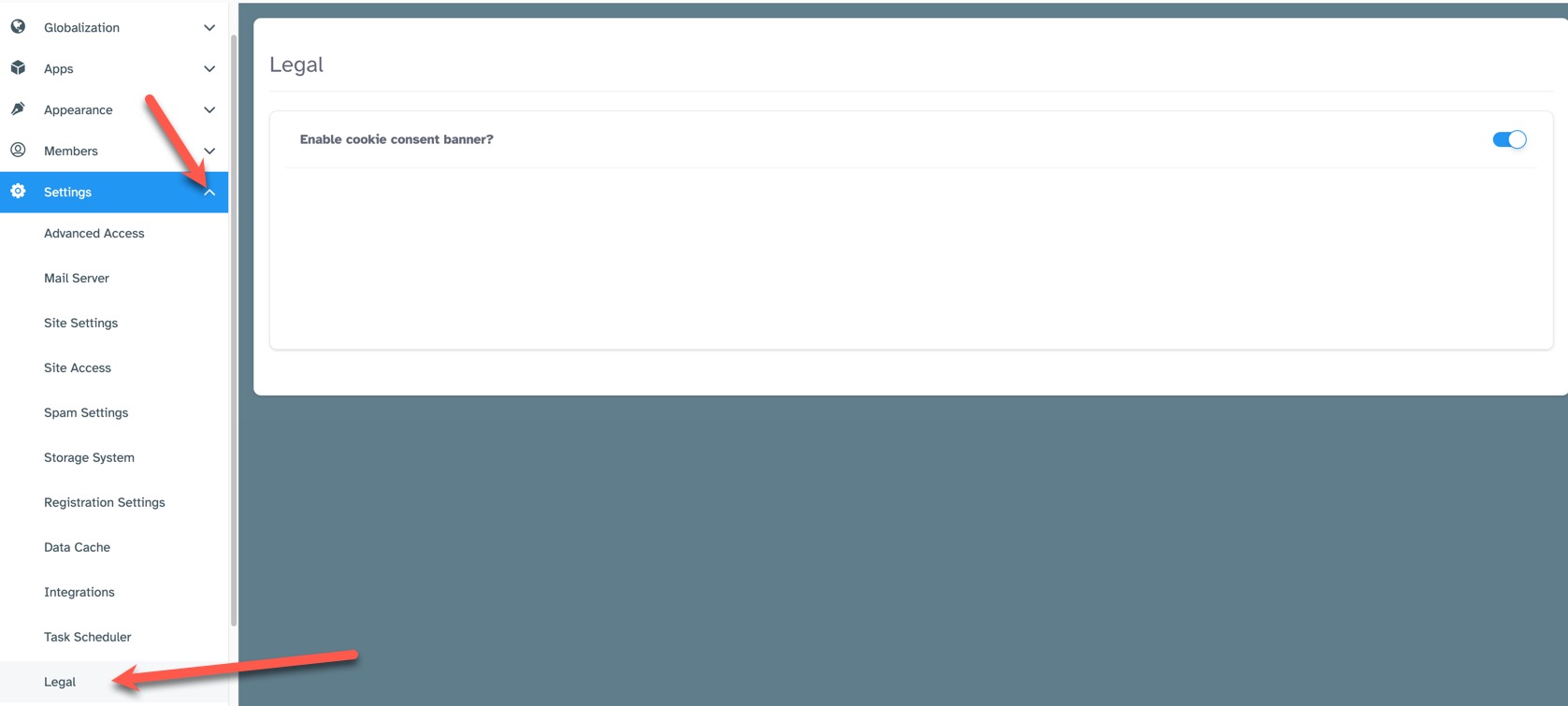
To enable or disable the Cookie Consent Banner, click the toggle to the far right.
Need help?
If you need any help, drop us a line at our Konnexu Support Portal or ask a question at the Konnexu Community. We're always happy to assist.