Login Image
You can choose to add an image to the login box. This image will appear next to the login form. *Note that at the time of launch, this image appears as a background image. We will be changing this to be the side image in an upcoming release.
Info
You can find tutorials for accessing and editing themes on the Design & Navigation page.
For the below tutorials edit the theme in which you want to add a login image.
Adding a Login Image
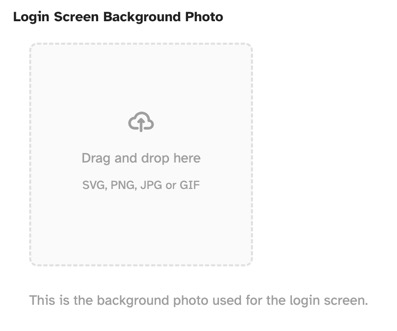
When in the edit screen, scroll down to "Login Image" and drag and drop an image into the box, we use SVG images, but you can use any of the accepted
formats (SVG, PNG, JPG, GIF). The recommended sizes are either 144 x 32 or 800 x 400. Note that you can also click to upload an image instead of
using the drag and drop method.
Removing a Login Image
To remove a login image, click the "Remove Logo" button. You can then either upload a new image, or not use one and show the site logo.

Need help?
If you need any help, drop us a line at our Konnexu Support Portal or ask a question at the Konnexu Community. We're always happy to assist.